
How X-Builds works
From an empty plot to a finished build in five steps. Free builds on the website need no account; the Android app adds progress tracking, offline guides and the Cinematic Studio.
- 1
Pick a build
Browse by category or style, or describe what you want in plain words (“small medieval stone”). Every build shows its size, difficulty, block count and roughly how long it takes, so you know what you are signing up for before you start.
Browse all builds - 2
Gather the exact blocks
The block list is calculated from the build itself, so it matches what you will place: the Modern Luxury Villa needs 7082 blocks of 40 kinds. Tick materials off as you collect them; in the app, the list can also compare against what is already in your inventory.
Modern Luxury Villa7082 blocks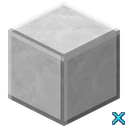 Polished Diorite×1060
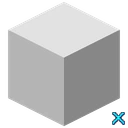 White Concrete×1057
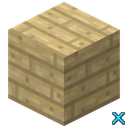 Birch Planks×732
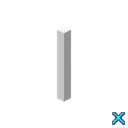 Glass Pane×652
 Smooth Stone×606
- 3
Build it layer by layer
Each build is split into layers from the ground up; big layers become smaller steps, and doors, torches and other details come last. Every step has a picture of what is already placed with the new blocks outlined, and the blocks it needs. Steps hidden inside walls are opened up so you can still see them.
See the Modern Luxury Villa guide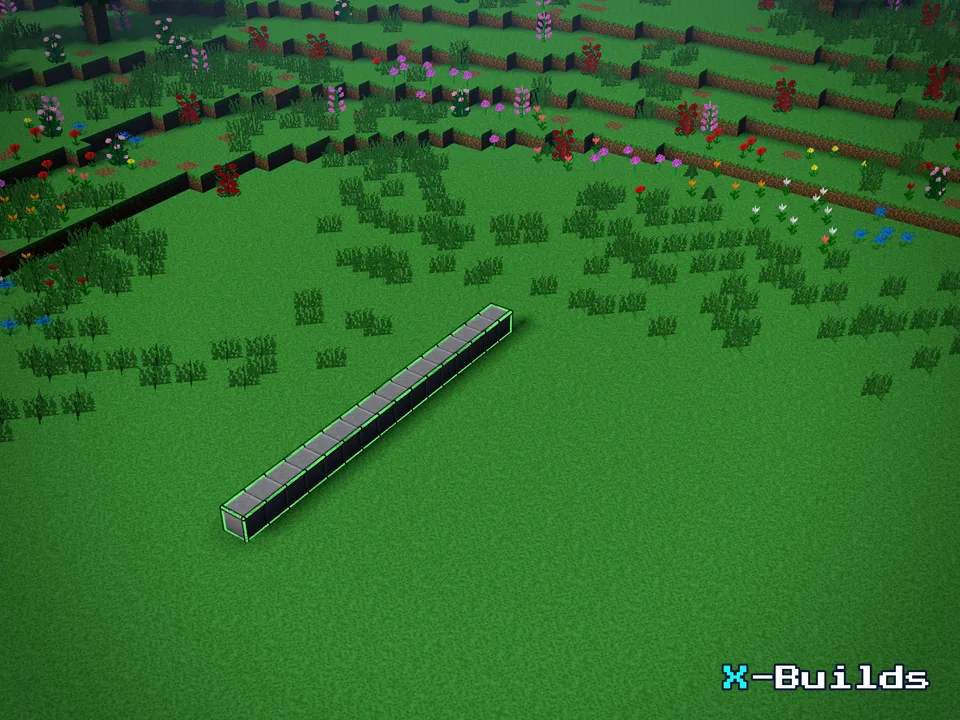
Step 1 · Foundation · Layer 1 (part 1 of 28) 
Step 226 · Walls · Layer 9 (part 9 of 12) - 4
Check it in 3D and keep your place
Spin the finished build in a 3D preview before you start, or step through it to see where each block goes. In the app your progress is saved on the phone after every step, and guides keep working offline, so you can close it mid-build and pick up where you left off.
Open the 3D preview
- 5
Film it and share it
Finished? The Cinematic Studio films your build assembling itself in one of 6 scenes, from a clear day to a rainy night. Save a picture or a short clip and share it with friends.
Try the Cinematic Studio- Day
- Sunset
- SunrisePro
- NightPro
- RainPro
- FogPro
 Angel Statue341 steps · 4324 blocks
 Aquarium8 steps · 385 blocks
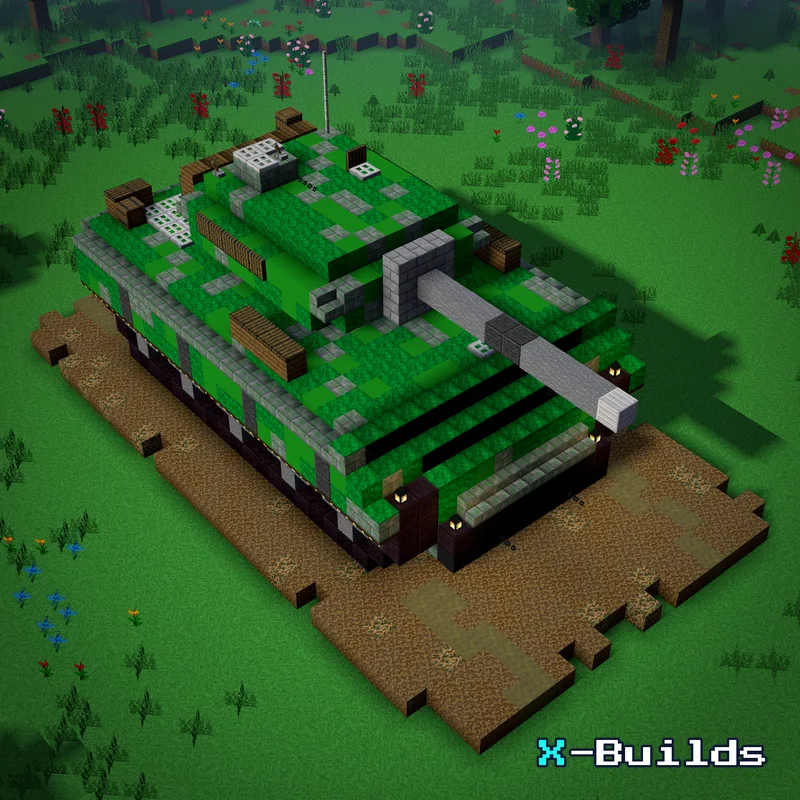 Army Tank129 steps · 1760 blocks